Over three years in Computer Science & Digital Literacy, students build essential digital skills, practice critical thinking, and develop responsible technology habits. Each year introduces new and exciting topics, progressing from foundational skills to advanced coding and emerging technologies.
Assignments are posted in Google Classroom. Students who need extra time can complete work during RAMS, lunch, or after school.
Grade 6 — Foundations
Sixth grade builds the foundation: students explore who they are online and how the machine they're using works, then learn to program by building up from sequencing to full interactive projects in Scratch, and finally step into emerging tech with their first hands-on look at artificial intelligence.
Term 1 — Fall
Digital Me
Who am I online — and what is the machine I'm using? Students build a digital identity safely and learn how computers work.
- Digital footprint, identity, & online safety
- Netiquette and privacy choices
- Internal computer parts (CPU, RAM, storage, motherboard, GPU)
- Operating systems & matching software to a task
- Capstone: digital identity artifact + personalized computer setup
Term 2 — Winter
Programming with Scratch
Students learn to program by building from simple commands up to a full interactive project, practicing decomposition and debugging.
- Sprites, scripts, sequencing, & events
- Loops and conditionals
- Variables and lists
- Tracing code & debugging iteratively
- Capstone: design an interactive educational game or quiz app
Term 3 — Spring
Artificial Intelligence & Beyond
A first look at how AI actually works — learning from examples, not from rules — with hands-on training and an honest look at the trade-offs.
- Rule-based code vs. learning from examples
- Training & testing models with Teachable Machine and micro:bit Create AI
- How training data shapes accuracy and bias
- What computers vs. people do well; human-in-the-loop systems
- Capstone: design and build an AI-powered app or device
Grade 7 — Building & Making
Seventh grade is where students move from screens to circuits and machines. They design real mobile apps, wire up real electronics with the micro:bit, and build physical robots — with a short data investigation tucked in along the way.
Term 1 — Fall
Mobile Apps with MIT App Inventor
Students build real Android apps from idea to working product — UI, code, data, and sensors all in one project.
- App Inventor's Designer (UI) and Blocks editor
- Events, variables, lists, and loops
- Multi-screen navigation and data storage (TinyDB)
- Using device sensors for input
- Capstone: design and build an app that solves a real problem
Term 2 — Winter
Basic Electronics with Micro:bit
Physical computing — programming circuits, wiring breadboards, and making devices that respond to the real world.
- Onboard inputs/outputs and sensors
- Building real circuits on a breadboard
- LEDs, resistors, buzzers, and motors (safely)
- Sequence, loops, conditionals, & variables in MakeCode
- Capstone: design a micro:bit device for a real-world need
Micro Unit
Data & Society
A short investigation: how data is collected, organized, and visualized — and what it does and doesn't tell us about the world.
- Data abstraction & representation (binary, ASCII)
- Spreadsheets: sorting, filtering, searching
- Charts & graphs that actually communicate
- Designing and running a simple online survey
- Capstone: investigate a dataset and present findings
Term 3 — Spring
Robotics, Part 1
Hands-on with VEX IQ robots — build them, drive them, then teach them to act on their own using sensors.
- VEX IQ brain, motors, sensors, structure, & ports
- Drivetrains and manipulators
- Teleoperation with the controller
- Sensors: Touch LED, bump, color, vision
- Finals: Lunar Rover autonomous mission + robot research project
Grade 8 — Real-World Computing
Eighth grade takes everything from the previous two years and turns it up — students build and publish real websites, write real JavaScript, train and use their own AI models, take robotics deeper into autonomy, and wrestle with the ethics of computing.
Term 1 — Fall
Web Development with HTML & CSS
Build and publish real websites — from semantic structure to styling and layout — for a real audience.
- Semantic HTML and multi-page navigation
- CSS: selectors, color, typography
- Layout with the box model and flexbox
- Images, media, accessibility & alt text
- Capstone: design, build, and publish a multi-page site
Term 2 — Winter
Creative Coding with JavaScript
Writing real JavaScript with p5.js to make visual, interactive, original programs.
- The p5.js setup/draw loop & the canvas
- Variables, conditionals, loops, custom functions
- Movement, transformations, randomization
- Arrays, images, mouse & keyboard input
- Capstones: Emoji-from-shapes project + final original program
Term 3 — Spring
Robotics, Part 2
Picking up where Part 1 left off — the robot drives itself now. Gear ratios, autonomy, and algorithm choices.
- Gear ratios & the speed/torque trade-off
- Mechanism design
- Autonomy: loops & conditionals on sensor input
- Pseudocode & flowcharts for planning routines
- Capstone: autonomous challenge with no driver
Term 3 — Spring
Artificial Intelligence & Machine Learning
From using AI to understanding it. Students train their own models and reason about how AI actually makes decisions — and where it goes wrong.
- Narrow vs. general AI; classification & features
- Neural networks: neurons, layers, weights (conceptually)
- Generative AI: text, image, and audio
- Bias from training data; deepfakes & misinformation
- Capstone: train a model and use it in an interactive p5.js + ml5.js project
Micro Unit
Digital Citizenship, Ethics & the Law
The rules and responsibilities of digital life — copyright, hacking, equity, and judging what's online.
- Copyright, fair use, public domain, & Creative Commons
- Plagiarism & intellectual-property consequences
- Open-source vs. proprietary software licenses
- Ethical (white hat) vs. malicious hacking
- Capstone: PSA or position piece on a computing-ethics issue
What Students Need
Every day in class:
- Fully charged Chromebook
- Headphones or earbuds
- Something to write with
- Unified Arts binder or folder
Grading: Computer Science is a year-long course with one final grade. Look for the Y1 column in PowerSchool. Grades come from a mix of projects, classwork, and reflections — with an emphasis on growth and improvement.
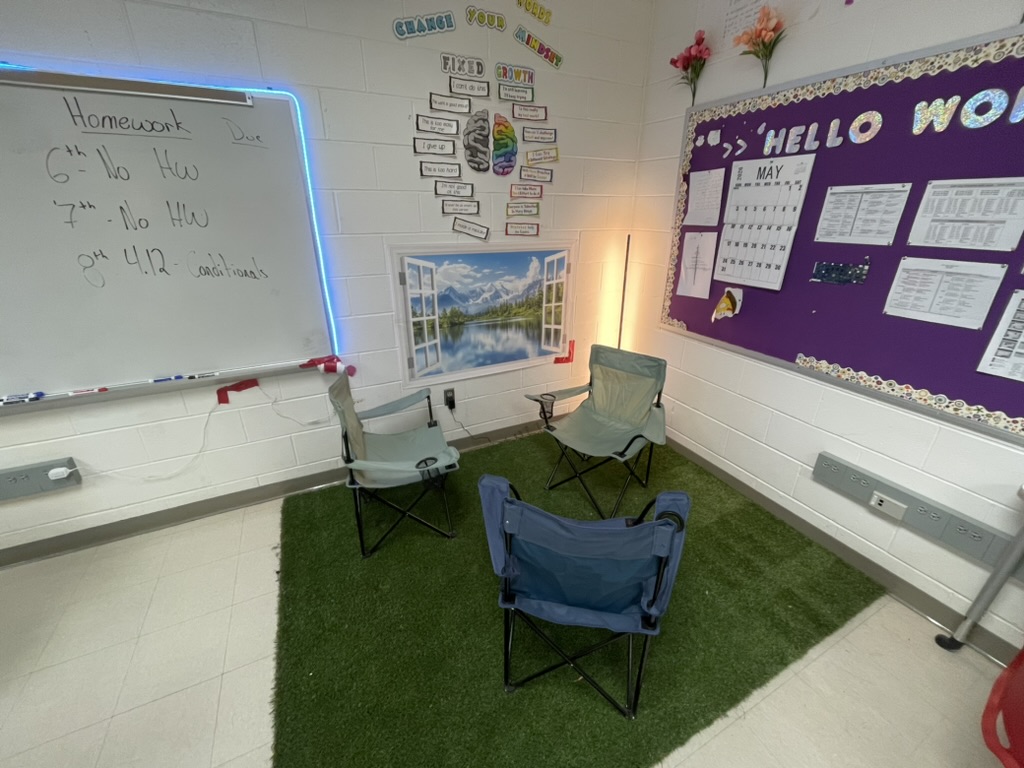
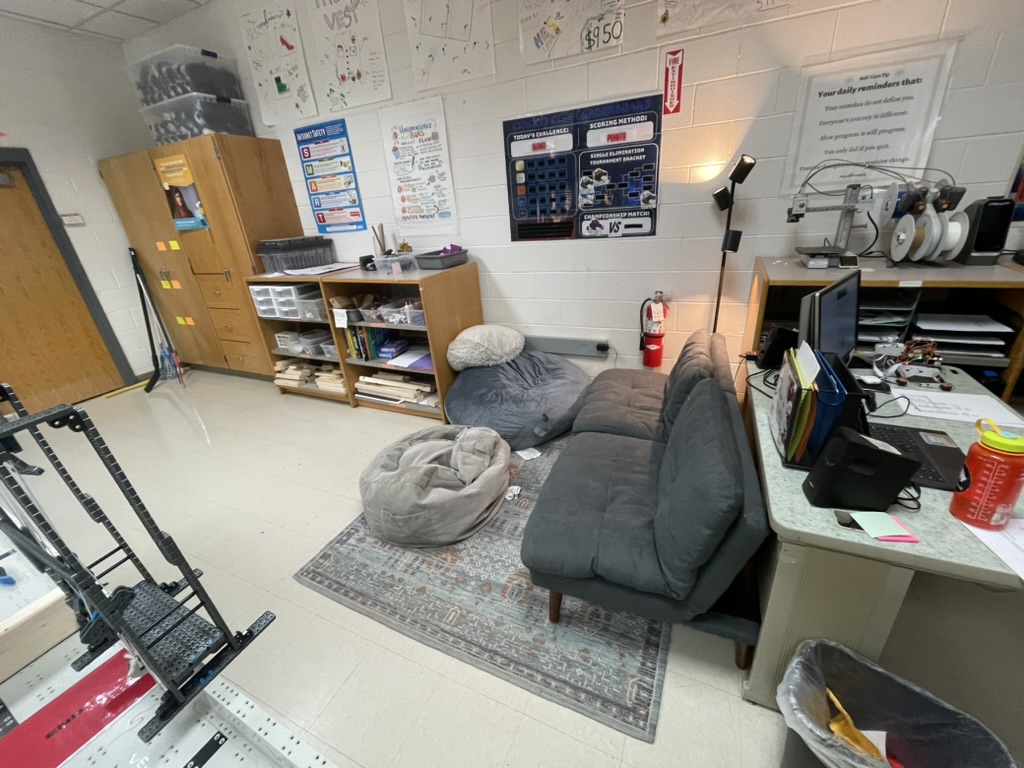
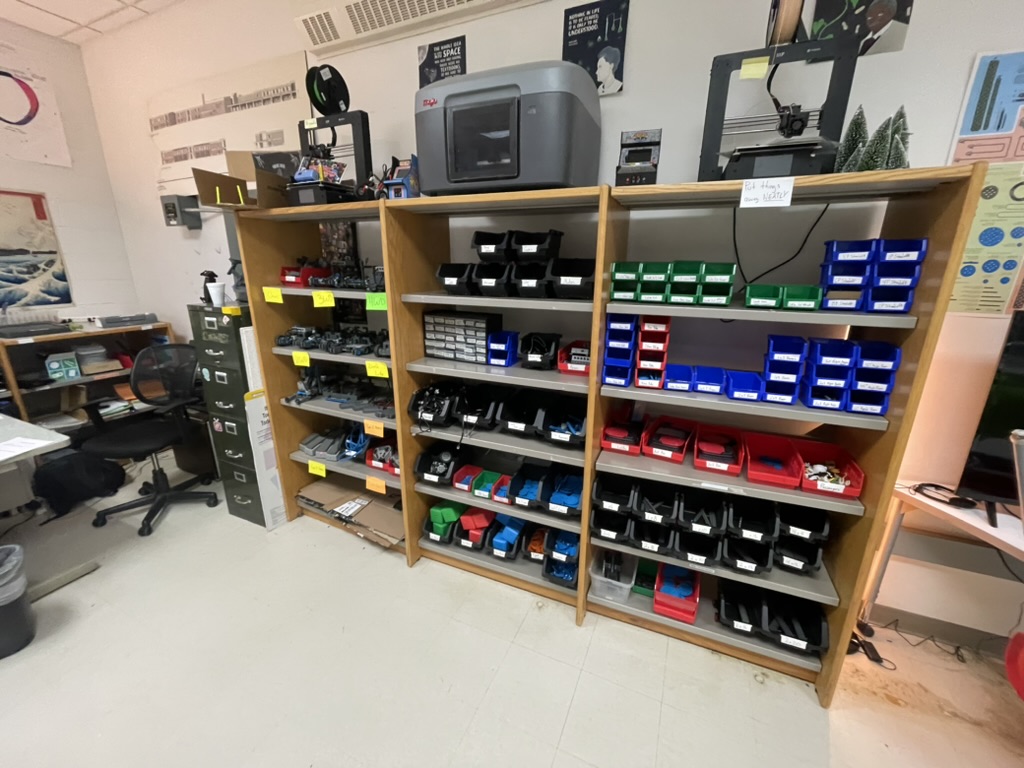
What the Room Looks Like
A space designed for thinking, building, and being comfortable